What to consider before choosing
Typical environments include:
- Home learning
- Classrooms
Physical coding projects let learners see how a program changes movement, light or sensor responses. Choose a platform with suitable lessons and a manageable transition to more advanced concepts.
Typical environments include:
Inclusion means the robot is mapped to this use case from available product information. It is not a guarantee that the product fits every site.


Python and OpenCV experiments





| Robot | Price / status | Published detail | Check before choosing |
|---|---|---|---|
| Sphero Mini | USD 50 | Drive system: App-controlled spherical robot | A compatible mobile device is needed for app-based activities. |
| Hiwonder MasterPi — Raspberry Pi 5 Kit | USD 409.99 | Included controller: Raspberry Pi 5 with 4GB RAM | Educational arm; deployment payload should be confirmed with the manufacturer. |
| Hiwonder TurboPi — Raspberry Pi 5 Standard Kit | USD 319.99 | Included controller: Raspberry Pi 5 with 4GB RAM included in this edition | Advanced voice and external AI modules are optional extras. |
| KEYi Tech Loona | Pricing not publicly disclosed | Camera: 720p RGB | Connected features depend on the app, connectivity and service availability. |
| Makeblock Codey Rocky | USD 155.99 | Programming tools: Visual blocks and Python | Computer or app access is required for programming. |
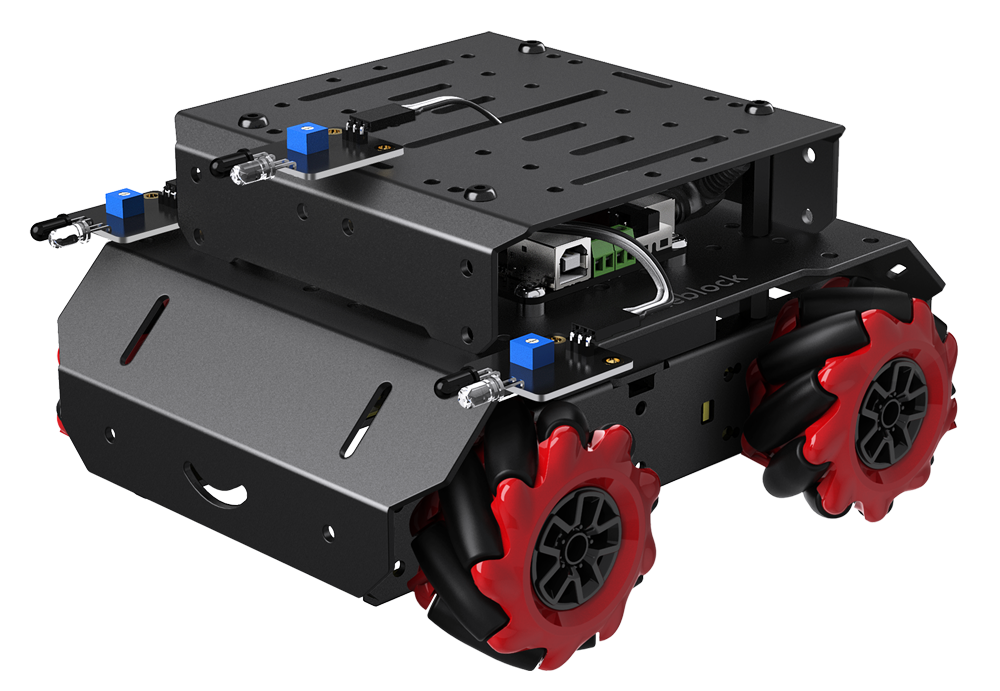
| Makeblock mBot Mega | Pricing not publicly disclosed | Mobility: Four Mecanum wheels for omnidirectional motion | Manufacturer documentation is available, but a current exact-kit shop price and stock status were not verified. |
| Makeblock mBot Ranger | USD 209.99 | Drive system: Tracked, self-balancing and racing-car builds | Assembly and rebuilding are required. |
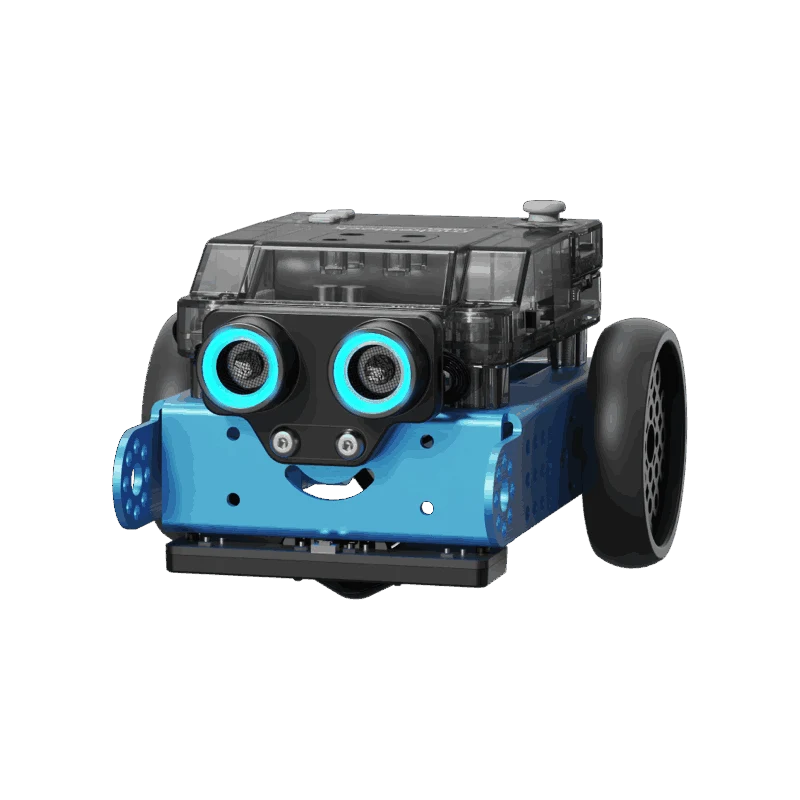
| Makeblock mBot2 | Contact manufacturer | Programming: mBlock visual blocks and Python | Assembly and a compatible programming device are required |
| Makeblock mTiny | USD 255.99 | Programming tools: Physical coding cards and tap pen; no screen required | Activities use the included pen and physical materials. |
| MakeKit Air:bit 2 | Pricing not publicly disclosed | Airframe: Laser-cut wooden quadcopter frame with four propellers | Two micro:bit boards are required and sold separately; at least one must be V2. |
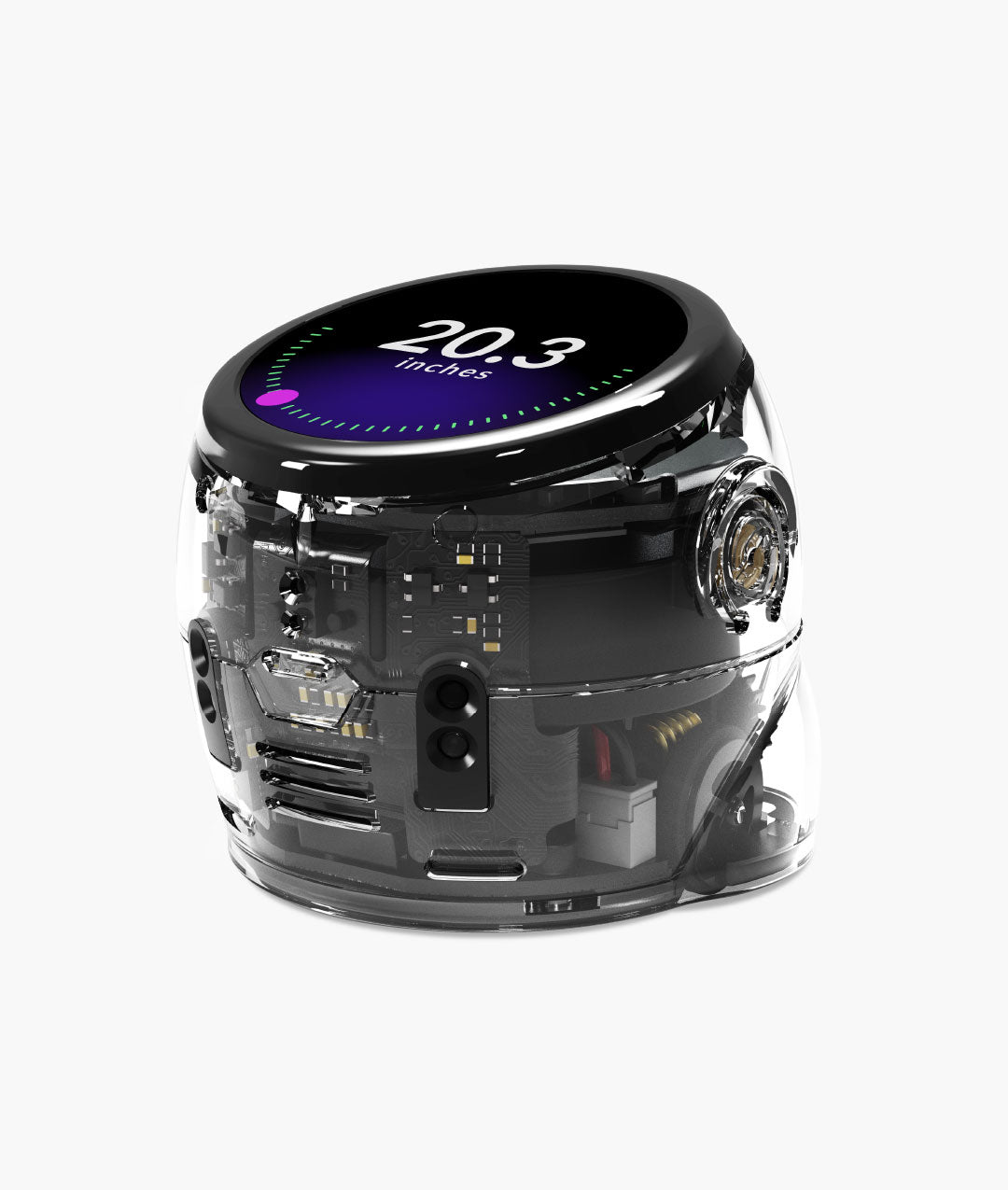
| Ozobot Ari — Entry Kit | USD 250 | Touchscreen: Round display, 390 × 390 pixels | Tablet use of Ozobot Editor requires Wi-Fi; check the supported device and browser requirements. |
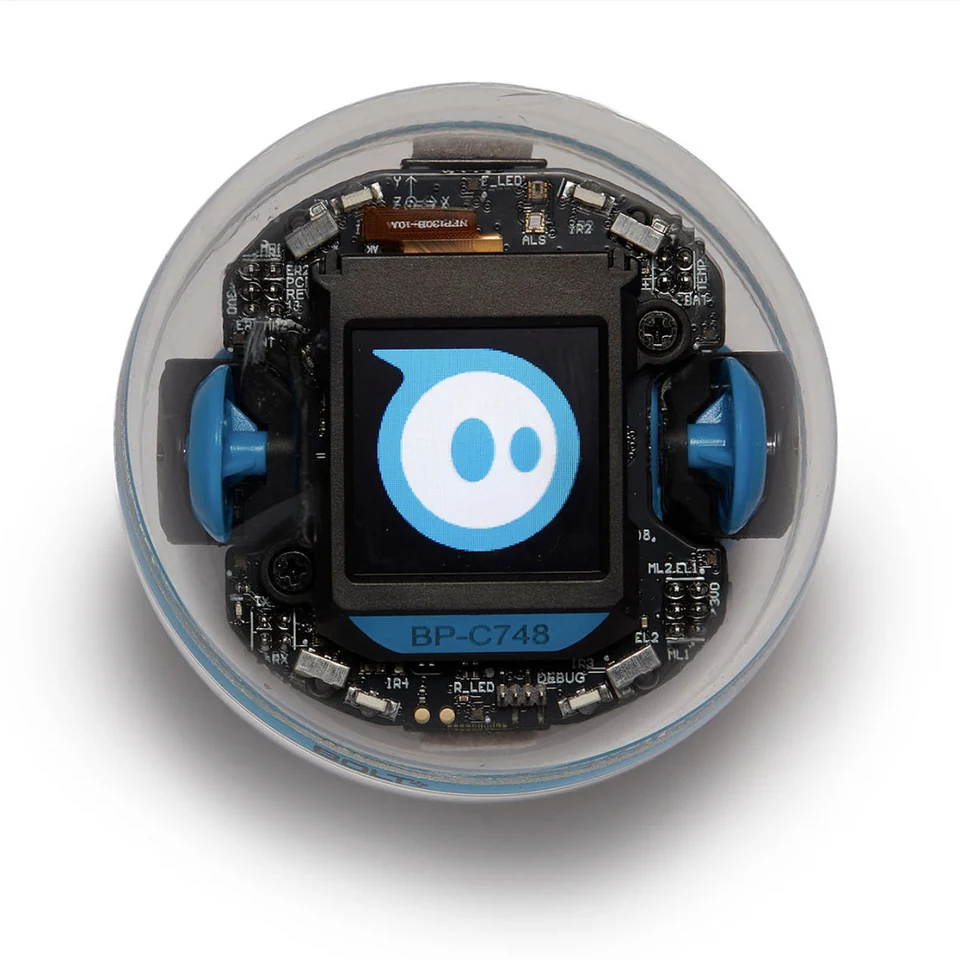
| Sphero BOLT+ | Contact manufacturer | Body diameter: 2.87 in | A compatible device is needed |